
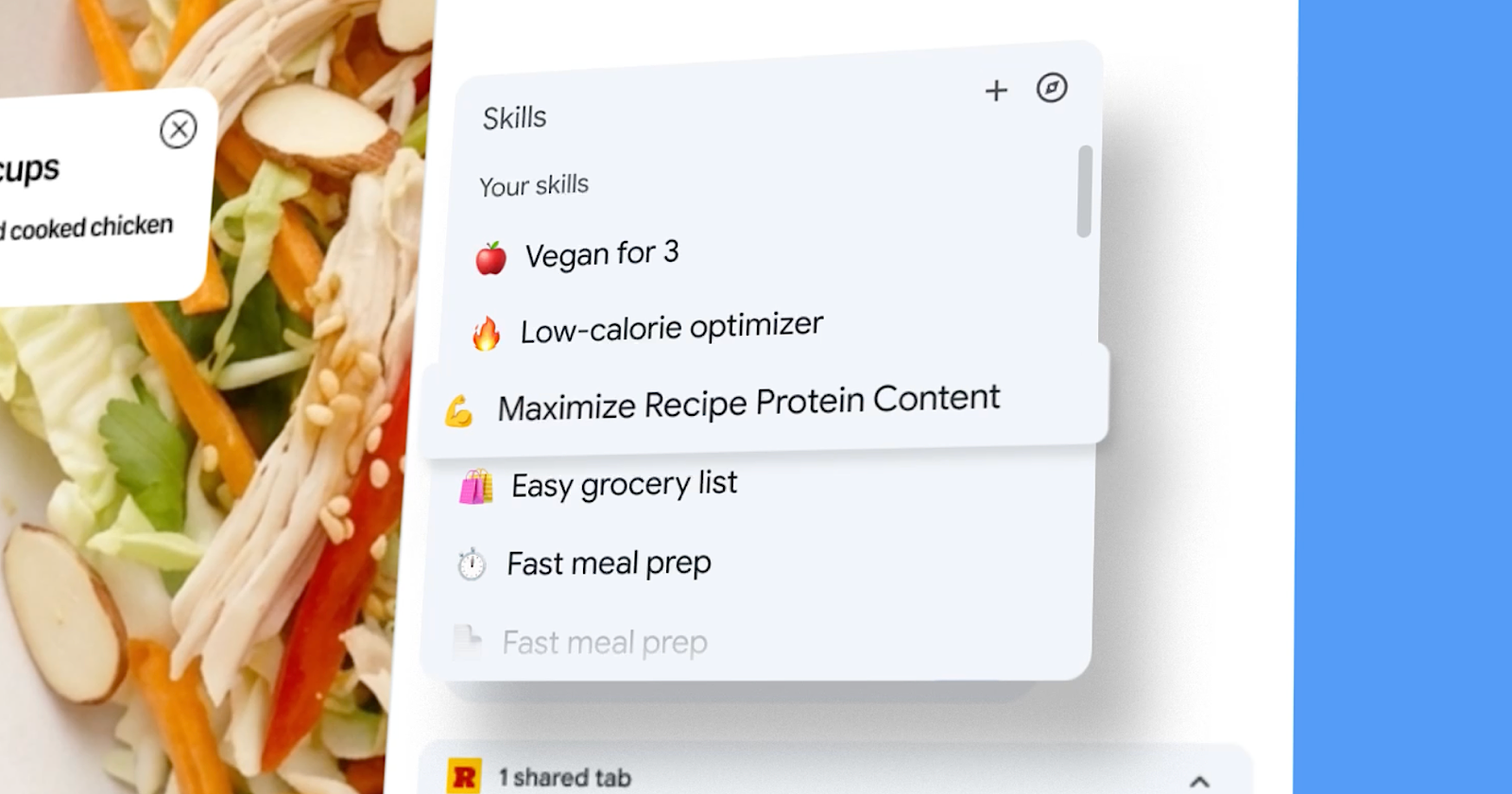
Google announcement Skills in Chrome, a new Gemini feature in Chrome that lets you record prompts and replay them as one-click tools on selected pages and tabs.
What’s new
Skills turn a prompt you’ve already written into a saved tool that you can trigger again later. After you run a prompt in Gemini’s Chrome side panel, you can save it as a skill from your chat history. The next time you need it, type a slash or click the plus sign in Gemini in Chrome, select the skill and it will run on the page you’re viewing.
The feature also works on tabs. You can select additional open tabs when performing a skill, meaning a single recorded prompt can pull information from multiple pages at once.
Google is launching a library of prebuilt skills that includes workflows for breaking down product ingredients, comparing specifications between tabs, and cross-referencing a gift’s budget with the recipient’s interests. You can add any library skill to your saved collection and change the underlying prompt to make it your own.
Why it matters
This update changes the way Chrome’s AI features work together. Over the past year, Google has added page-friendly prompts and multi-tab context, connected apps like Gmail and Calendarand automatic navigation for multi-step tasks. Skills add reusability to these abilities.
A recorded prompt that reads a page, compares it to two other open tabs, and composes a summary email via a connected app is closer to a lightweight automated workflow than a chatbot conversation.
How it helps
For SEO and marketing work, the multi-tab capability creates several possibilities. You can register a skill that compares competitor pages to yours, or one that extracts structured data from the product pages you’re auditing. A repeatable prompt that checks title tags, meta descriptions, and title structure on client sites would save time during routine audits.
Launch categories focus on shopping, productivity, and wellness rather than developer or business tools. This suggests that skills are designed more as a consumer productivity feature rather than an API for power users.
Looking to the future
Skills is the latest in a series of Chrome updates that have improved the browser’s AI capabilities.
Taken together, they indicate that Chrome will become a more persistent AI assistant rather than a single side panel.
Featured image: Google, 2026.



